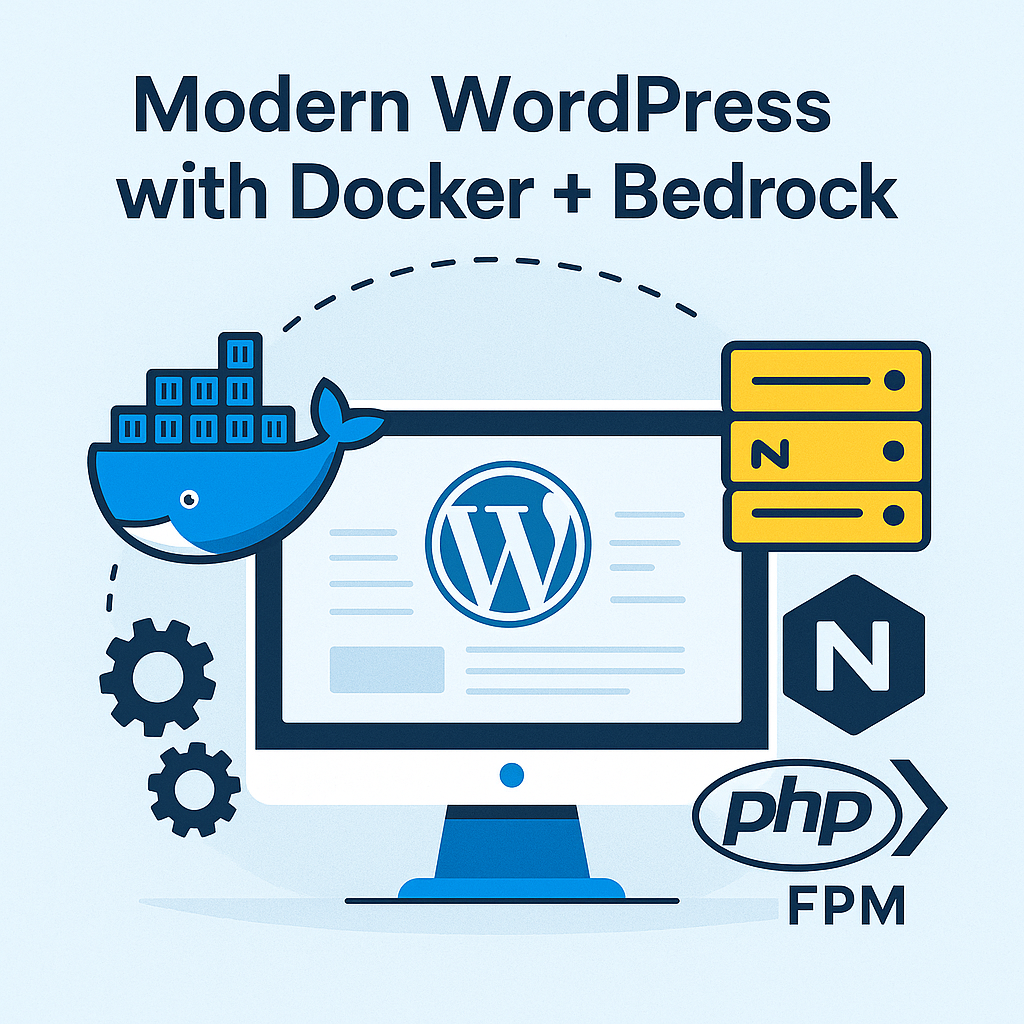
WordPress powers a huge portion of the internet, but its default development workflow hasn’t kept up with modern engineering standards.
No dependency management, mixed configuration files, plugins committed to Git, and environments that behave differently on each machine.
To solve these issues for my own workflow, I built wp-bedrock-container — a modern WordPress setup powered by Bedrock, Docker, Composer, Nginx, and PHP-FPM.
This post explains why I built it, what problems it solves, and how you can use it to build cleaner, more maintainable WordPress applications.
🔥 Why WordPress Needs a More Modern Stack
Traditional WordPress installs look like this:
- WordPress core dumped in root
wp-contentmixed with config- No Composer support
- Manual plugin updates
- No environment separation
- Hard to version control cleanly
- Inconsistent environments (different PHP/MySQL versions)
As a developer who works with microservices, Docker, and modern backend engineering, this felt outdated.
Enter Bedrock
Bedrock provides:
- ✔ A modern WordPress folder structure
- ✔ Environment variables (
.env) - ✔ Composer-based dependency management
- ✔ A secure and clean web root (
/web) - ✔ Separation between config, core, and content
- ✔ Easier deployment across environments
🚀 Why Add Docker?
Even with Bedrock, environment differences remain:
- Your PHP version ≠ my PHP version
- MySQL installed differently on each machine
- Web server configuration varies
- Plugins behave differently between systems
Docker fixes all of this.
Using containers:
- Everyone uses the same PHP/Nginx/MySQL versions
- You can onboard a developer with one command
- The runtime becomes predictable, reproducible, stable
- You can debug easily knowing the environment is identical
Containers also make it much easier to deploy to:
- Cloud VMs
- Kubernetes
- Docker Compose stacks
- Hosting platforms like Fly.io, Railway, Render
🧱 Project Overview: wp-bedrock-container
The project combines:
🔹 Bedrock — modern WordPress structure
🔹 Docker — reproducible runtime
🔹 Nginx + PHP-FPM — clean web server setup
🔹 MySQL container — isolated database
🔹 Custom Makefile — easy build/start/stop
🔹 Custom local development network
It gives you a plug-and-play starter template for building WordPress sites with modern engineering standards.
⚙️ How to Use wp-bedrock-container
1️⃣ Clone the repository
| |
2️⃣ Follow the Readme
🧱 Architecture Overview
🐳 Common Debug Scenarios I Faced
While building this project, I debugged several issues, but the following two are worth explaining for you
❌ 502 Bad Gateway
- Nginx not reaching PHP-FPM socket
- Wrong fastcgi_pass
- Container not ready
❌ 403 Forbidden
Often caused by:
- Wrong document root
- Missing nginx vhost configuration
- “/web” not mapped correctly
🌱 Why I Built This Project
- I wanted a developer-friendly WordPress stack
- I wanted separation of concerns and clean version control
- I wanted to use Docker everywhere — local and production
- I wanted a setup that aligns with my backend/microservices mindset
- I wanted reproducibility and easier collaboration
🔗 Project Repo
👉 GitHub: https://github.com/premsgdev/wp-bedrock-container
If you’d like to fork, extend, or use it in your projects, feel free to do so.
🏁 Final Thoughts
WordPress remains incredibly powerful, by using Bedrock + Docker, we gain:
- Modern folder structure
- Reproducible environments
- Cleaner dependency management
- Easier deployments
- A setup that feels familiar to backend engineers
wp-bedrock-container is my attempt to bring WordPress into a modern devops workflow — and I hope it helps others who want a cleaner, saner WordPress development experience.